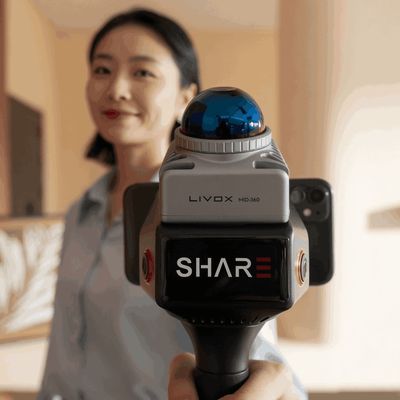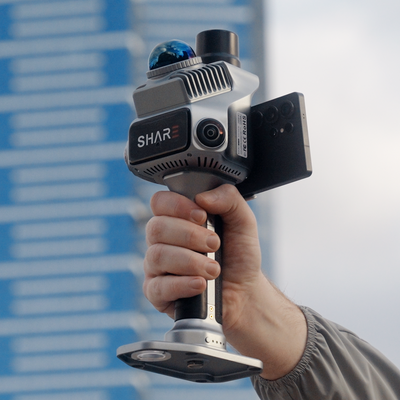
SHARE is easy on site. That was the point of the hardware. You walk, you capture, you leave with a clean project.
Then the person who pays you has to open it. They do not run SHARE Point Cloud Studio. They will not install a viewer for a Tuesday review. A 6 GB ZIP sits unopened.
MapShare early access is open. Request a seat and we onboard you.
What usually happens after you leave site
You capture a clean project. You export it.
The annotations you made on the floor are gone. The photoreal view sits in a different folder from the cloud. The client gets a ZIP, a link that expires in a week and a note saying they need to install something. They open the PDF instead. The scan they paid for is never looked at again.
The scanner did its job. The pathway after the scanner did not.
One unlisted link
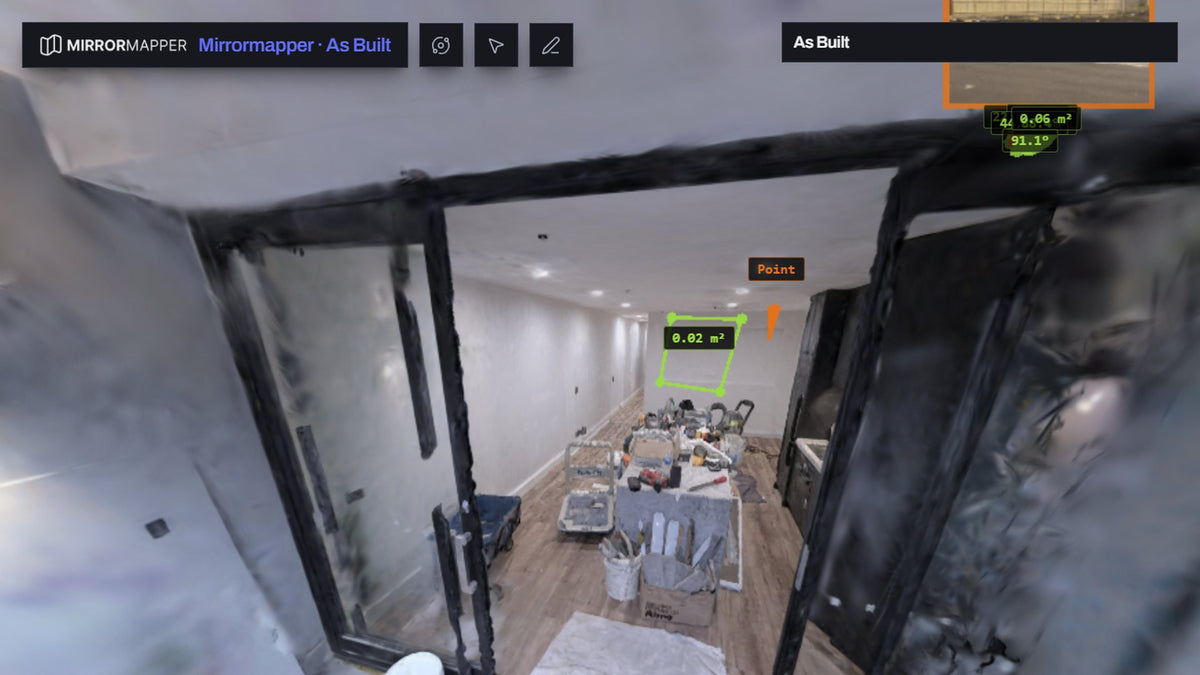
MapShare keeps the project assembled. Colourised point cloud and photoreal view in the same scene, on real coordinates, with the on-site notes and photos still attached. The client opens it in a browser they already have, on a laptop or a phone. Hosted in Australia. Your files stay downloadable.
Measure from the point cloud, including when you are looking at the photoreal view. Overlay CAD and GIS on those coordinates. If Studio produced a Gaussian splat, MapShare can host it. MapShare does not generate the splat.
This apartment as-built is a public example.
New SHARE C1 and C1 Pro orders include 12 months of MapShare Studio. It activates from the email after purchase.
You can also publish clouds and orthos from Terra, Pix4D or Metashape when the job was not a SHARE walk. MapShare is still built around the SHARE project.
The same stall, on thermal
Inspectors already fly. They already capture. The report is still being assembled by hand.
DJI's tools will give you temperatures. Operators were pasting screenshots into Word. Severity lived in someone's head. The map of where the finding sat was a pin in another app, or it was missing.
Thermalmapper is a Windows app that takes a folder of radiometric images (H20T, H30T, M4T, M30T and Mavic 3T) and lays out a branded A4 PDF: your logo, findings, severity and a map with each shot's field of view. Free. Unlimited reports. The deliverable is the PDF, plus CSV if they need the table.
The thermal job needs a page the client can action. The SHARE job needs a scene they can measure.
Why the software sits next to the hardware
The stack is usually split. The scanner vendor ships a studio. The drone vendor ships a temperature viewer. Delivery is someone else's tab, often hosted overseas, with a seat fee for the person who only needed to look.
We write MapShare so the SHARE project you finished on site is the project the client sees. We write Thermalmapper so the folder you copy off the aircraft is the report. What you see in the page editor is the PDF.
Capture is getting easy. The handoff is still the hard part.
If you have a SHARE project ready, request access. If you want to see the walk first, book a demo. Store page: MapShare. Thermalmapper: get the download.
Read next: as-built interiors · Gaussian splat vs point cloud · C1 vs C1 Pro
FAQ
Do I need a scanner to try MapShare?
No. Request early access on MapShare. A SHARE project is what it is built for.
What do I get with a new C1 or C1 Pro?
Twelve months of MapShare Studio. Activate from the set-password email after purchase. The year is not a Shopify Subscription.
Do my clients need an account?
No. They open the unlisted link in a browser.
Is Thermalmapper a client portal?
No. It runs on the operator's PC and exports a branded PDF. MapShare is the browser scene for a SHARE project. You can publish other clouds too.