
Pick the scanner against the next job, not against a launch post. Lab accuracy, a megapixel count, a range number at 80 percent reflectivity: useful once you know whether the walk stays indoors, goes outside, or needs C10 range.
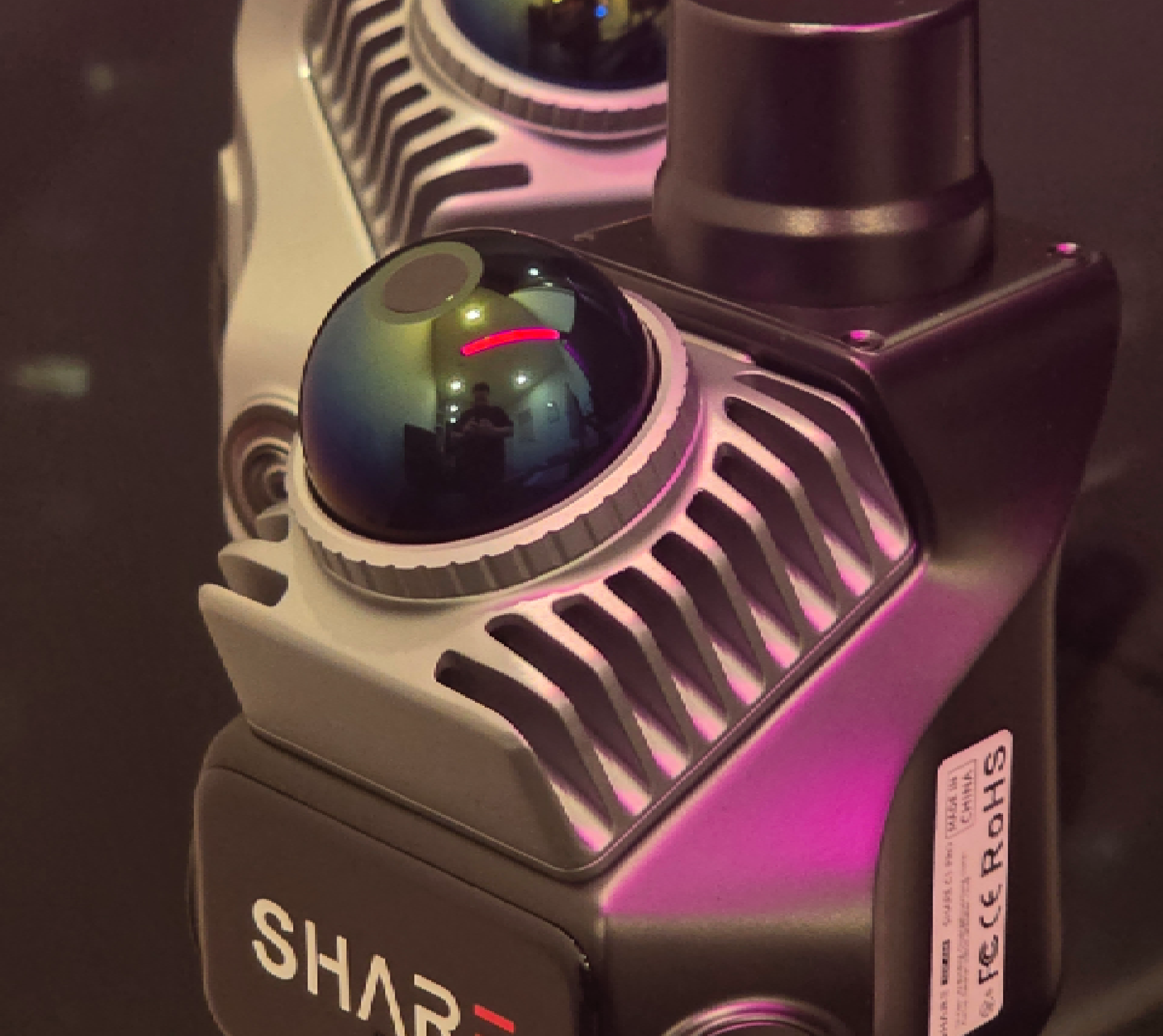
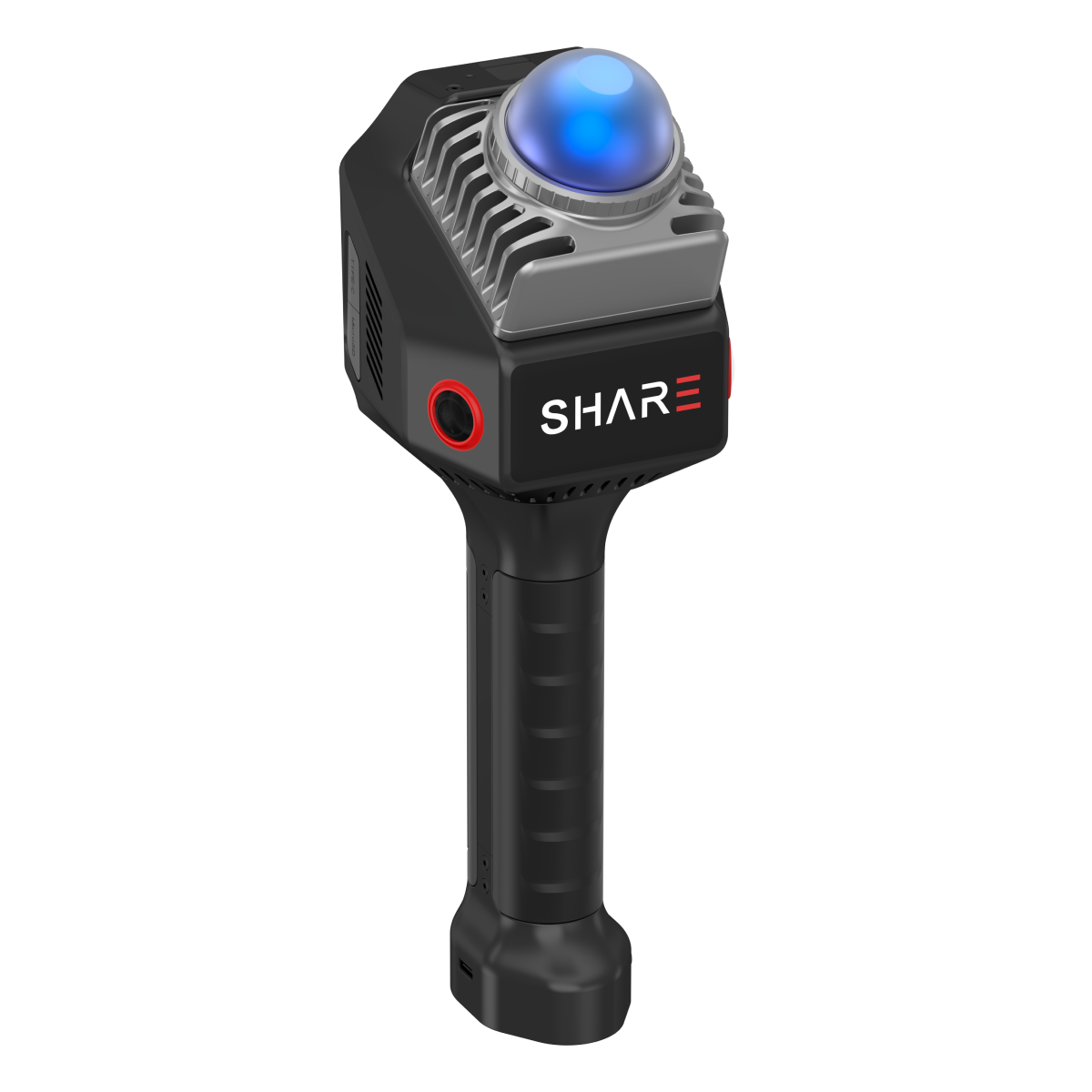
The two units we stock for most interior and mixed-site work are SHARE C1 and SHARE C1 Pro. Specs that match across both sit in one cell on the compare table below.
How to read a SHARE spec sheet
Three accuracy numbers, three different jobs. Name them or you will quote the wrong one to a client.
- RTK positioning (C1 Pro): the GNSS fix of the scanner outdoors while connected. 0.8 cm + 1 ppm horizontal, 1.5 cm + 1 ppm vertical.
- Absolute accuracy of the finished cloud: under 5 cm with RTK on a clean traverse.
- Relative accuracy inside the cloud: under 1 cm on a clean walk, thickness inside 1 cm.
Range is 0.1 to 40 m at 10 percent reflectivity, 0.1 to 70 m at 80 percent, on both C1-class units. The far number is for bright surfaces. Dark cladding and deep plant rooms live nearer 40 m. A huge shed is a C10 conversation.
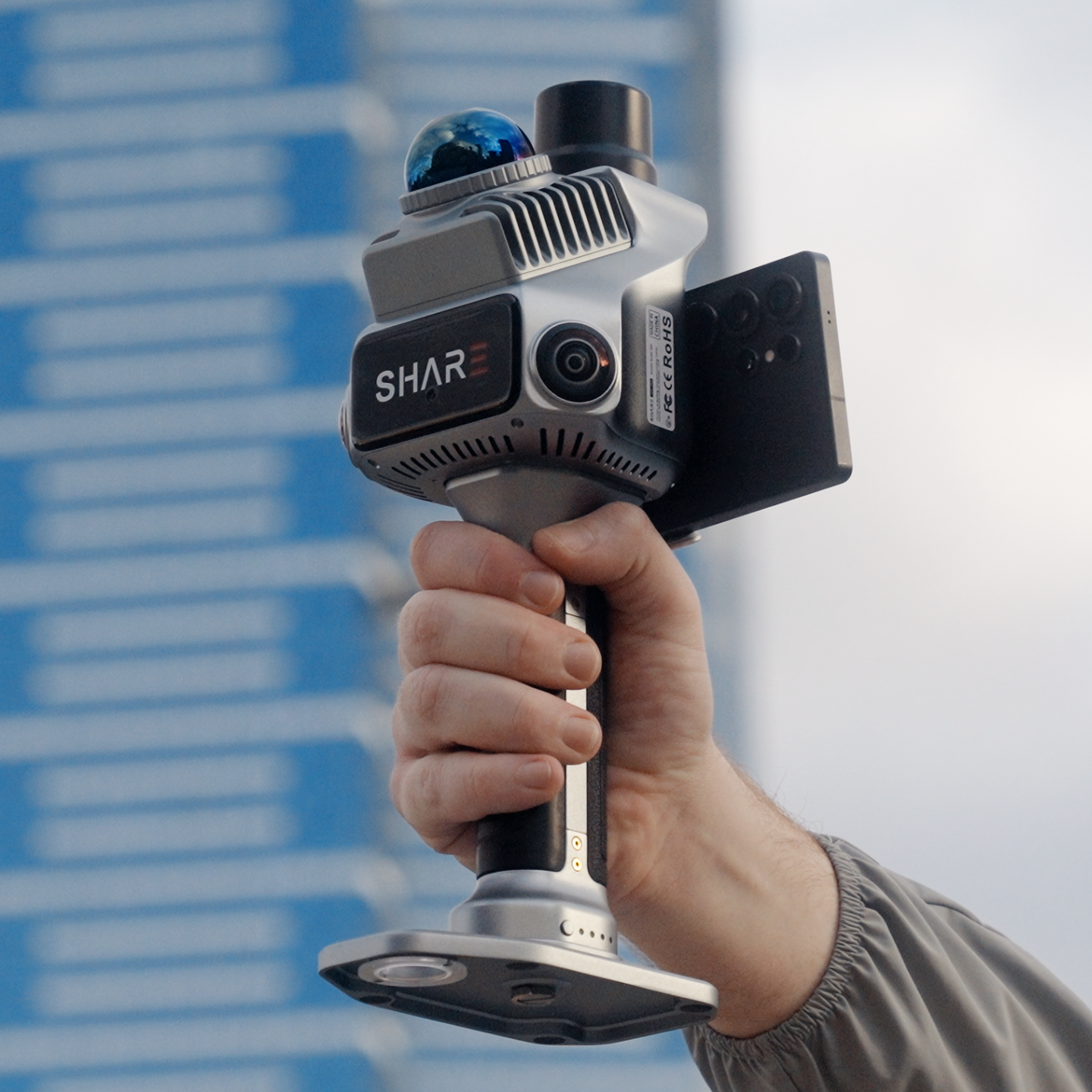
C1 cameras: dual 2.3 MP electronic global shutter, 0.1 s minimum interval, for colourised interiors and renovation walks. C1 Pro cameras: dual 1-inch 16 MP, mechanical shutter, the set we put on 3DGS and mixed-light facades.
Weight: C1 about 955 g. C1 Pro about 1.08 kg. Battery: about 180 minutes on C1, about 150 minutes on C1 Pro. Bring a spare for a full floor plate.
C1: indoor and GPS-denied work
C1 is the scanner for apartments, fit-outs, plant rooms and anywhere you already have a control method you trust.
SHARE's renovation application page is written for this unit: small apartments, kitchens, bathrooms, furniture-dense rooms, no GPS. Walk, colourise, slice, hand a designer a cloud they can draft from.
Buy C1 when:
- Most jobs never need a live GNSS fix
- The deliverable is a relative as-built, CAD underlay or MapShare walkthrough
- You want the first handheld in the van, with an RTK module or C1 Pro later if the work mix changes
C1 is $6,199 AUD incl GST.
C1 Pro: mixed indoor and outdoor, one traverse
C1 Pro is the scanner that leaves the car park, takes an AUSCORS fix, walks the facade and the foyer as one cloud, and colours it well enough for BIM and Gaussian splat work.
SHARE lists topographic survey, stockpiles, forestry plots and heritage on the C1 Pro page. That maps onto campuses, plant yards, streetscape plus interiors, and any job that must sit on the same grid as a drone block.
Buy C1 Pro when:
- The walk includes outdoor legs that should land on real-world coordinates
- You want mechanical-shutter colour for 3DGS and clash-friendly BIM
- You want fewer outdoor marks on mixed sites. Keep independent checks when the spec asks.
C1 Pro is $7,999 AUD incl GST. If the work is 90 percent bathrooms and plant rooms, start with C1.

Southbank, Melbourne
Vault at ACCA
- SHARE C1 Pro
- 6 min 11 s walk
- 7.1M Gaussians
Viewed in MapShare. Every SHARE scanner includes 12 months of MapShare Studio.
Walk a mixed site like this
25 Martin Place in Sydney is the kind of plaza-to-foyer walk C1 Pro is for.


What ships with C1 and C1 Pro
SHARE Capture App in the field. SHARE Point Cloud Studio on the desktop, no extra licence fee from SHARE. Exports LAS, LAZ, E57, PLY. Studio also talks DWG, DXF, RCS and 3DGS when the capture supports it.
From us: handover, AUSCORS NTRIP setup on C1 Pro, 12-month Australian Consumer Law warranty and 12 months MapShare Studio with every C1 and C1 Pro. Client link, not a ZIP. This apartment as-built is a public example.
Hardware goes in the cart. MapShare is how the non-CAD stakeholder sees the job. Book a demo if the use case is new to your crew.
When C10 is the better fit
Long industrial traverses, large pits, 100 m facade standoff, underground that eats Mid-360 class range. That is C10 territory. Tell us the traverse and we will put the right kit on the quote.
If an OEM post claims millimetre interiors or "no control ever", ask which of the three accuracy numbers they measured, on what traverse, with what loop closures. Then book a demo and walk your site.
C1 series collection · C1 · C1 Pro
Read next: as-built interiors · scan checklist · how SLAM works
FAQ
Is C1 less accurate than C1 Pro indoors?
Same LiDAR class and same relative accuracy language on a clean indoor walk. C1 Pro adds RTK outdoors and the camera set, not a different indoor laser.
Can I add RTK to C1 later?
Yes, via the C1 RTK module kit, or step up to C1 Pro. We match that to the jobs you actually run.
Why do launch blogs quote 2 cm in a forest?
Lab or open-sky numbers move in clutter, dark surfaces and bad loops. Ask for a walk on your site. That is the demo.